WordPress
Cloud First Nordics Knowledge Hub
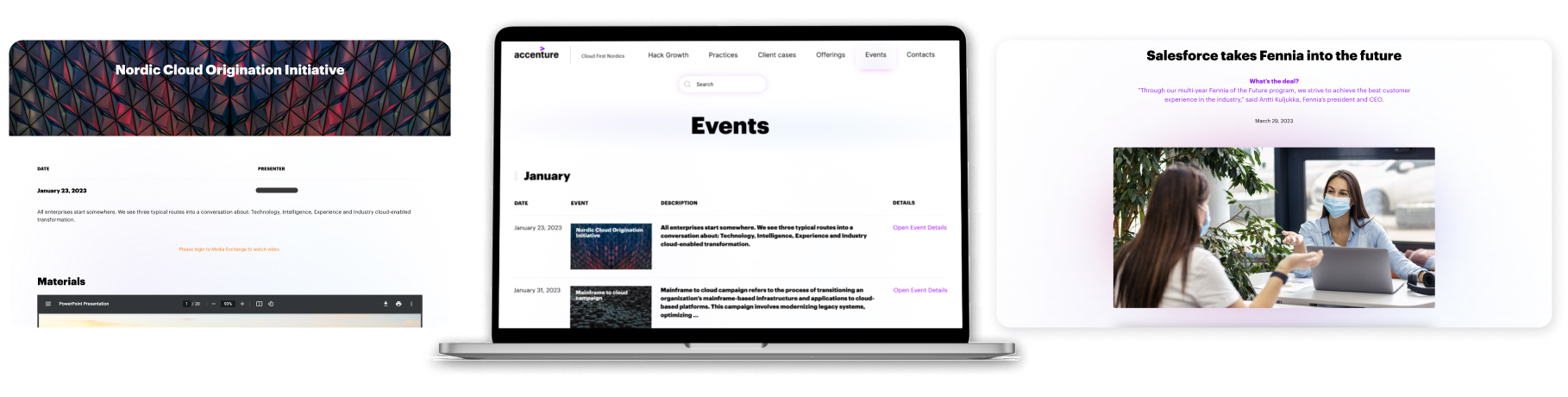
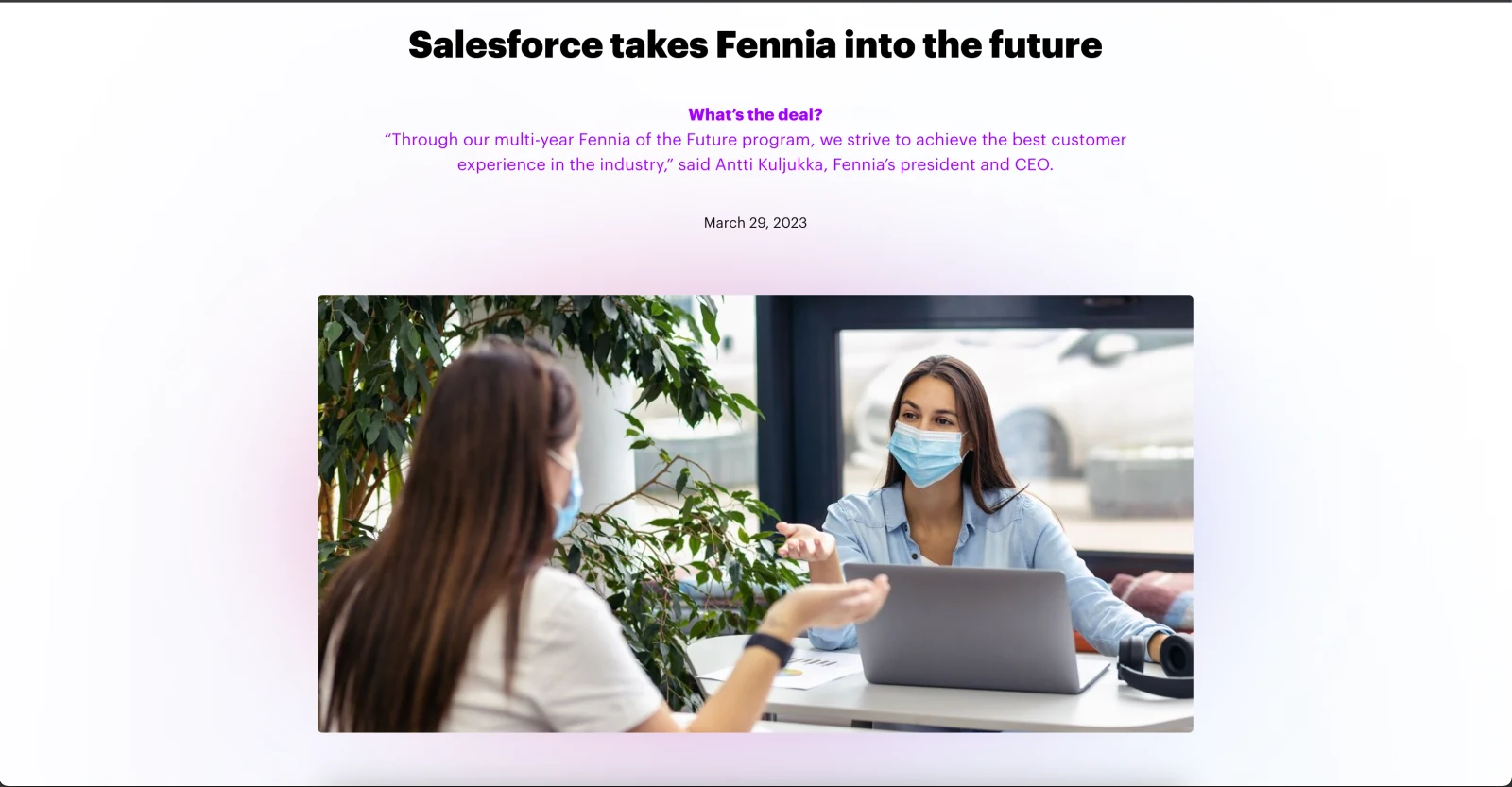
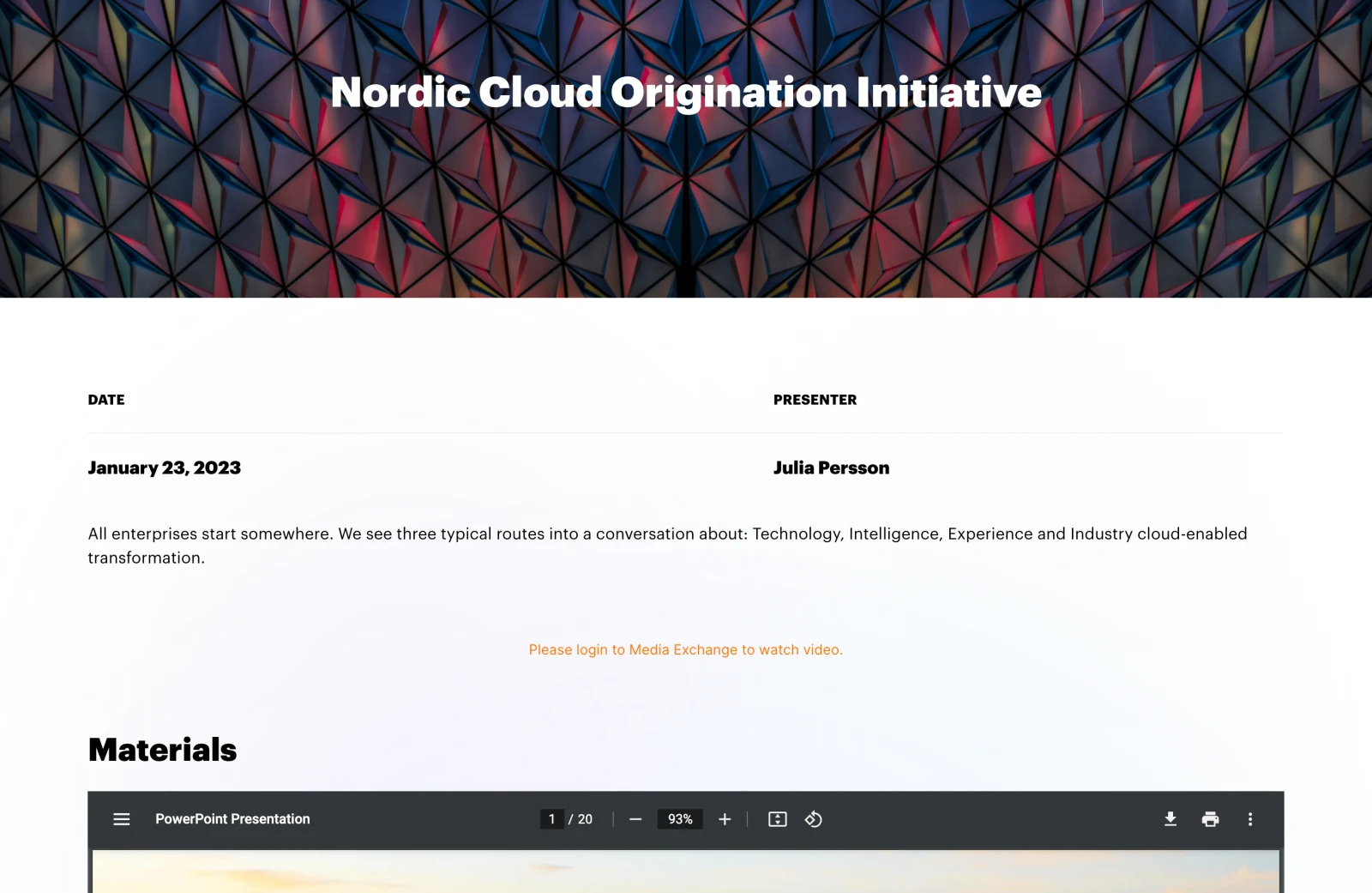
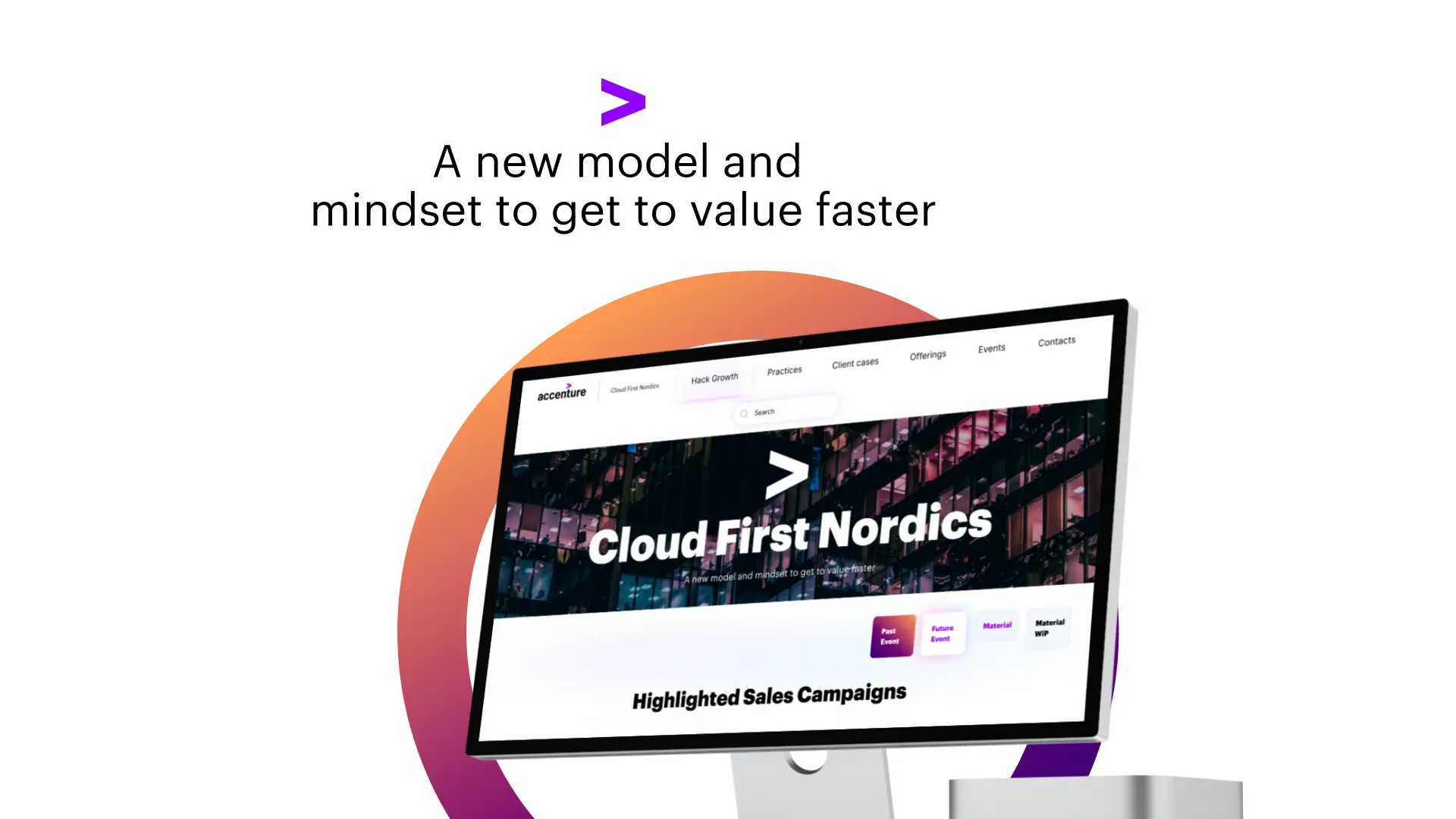
Design and development of a centralized knowledge hub for cloud technology, offerings, and events for Accenture's internal employees.
Junior UX/UI designer, most of the hands-on production work
- Project
- CF Nordics (Accenture, internal)
- Year
- 2023
- Duration
- 1 month MVP + iterative expansion
- Focus
- WordPress
- What I did
- Junior UX/UI designer, most of the hands-on production work using WordPress, YOOtheme, FigJam, Community plugins
- Constraint
- Product managers and product owners decided the content, the content decided the design, and the content was disorganized. The MVP had to launch in one month on WordPress.
- Key decision
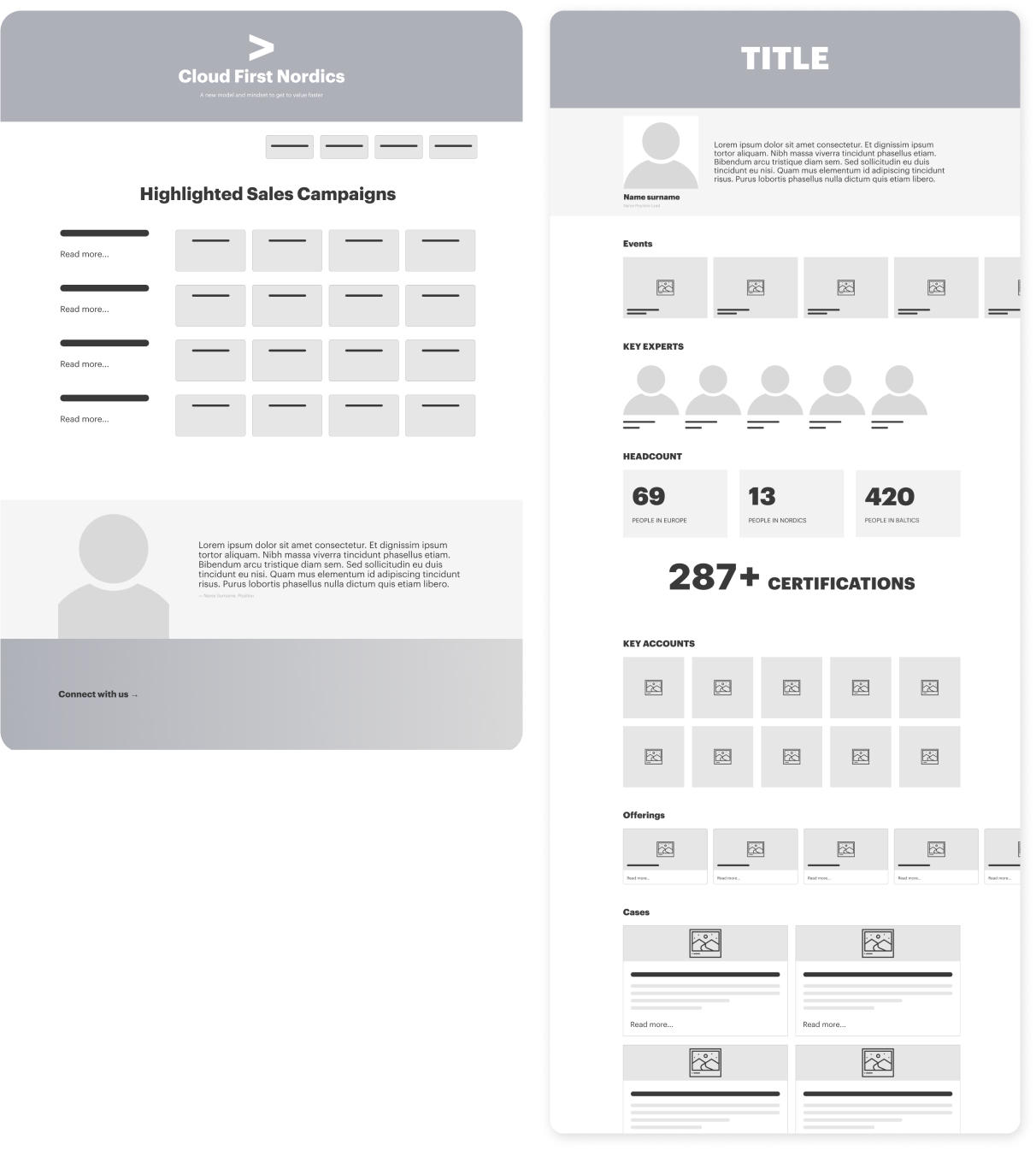
- Map how the content relates in FigJam before wireframing, so the design followed a structure and not a pile of content.
- What changed
- A one-month MVP on WordPress. This page reports no usage data, so it makes no claim about adoption or search time.
The Challenge
Creating a cohesive knowledge hub for Cloud First information faced several obstacles: WordPress limitations for complex, interlinked content structures, coordination with multiple project managers, constantly changing goals and requirements, and the complex information infrastructure behind each showcased item or event.
The Solution
A comprehensive approach combining thorough information architecture design in FigJam, content categorization through card sorting and scenarios, and a carefully planned WordPress implementation with YOOtheme. The solution prioritized navigation ease and content relationships while working within the technical constraints.
Design Process
Information Gathering
Collecting and consolidating information from various sources
Information Architecture
Mapping content relationships and structure
Categorization & Validation
Organizing content into logical groups
Wireframing
Creating structural layouts for the knowledge hub
Competitive Research
Finding inspiration from successful knowledge platforms
WordPress Development
Implementing the design in YOOtheme
Staged Release
Gradually launching the platform
Technical Foundation & Challenges
The project utilized WordPress with YOOtheme builder supplemented by community plugins. We faced challenges with complex, interlinked content structures that WordPress isn’t inherently designed for. Due to compatibility issues across multiple plugins and cross-linked schemas, we brought in a developer to resolve integration challenges.
Project Team
Information Architecture
Product Goals
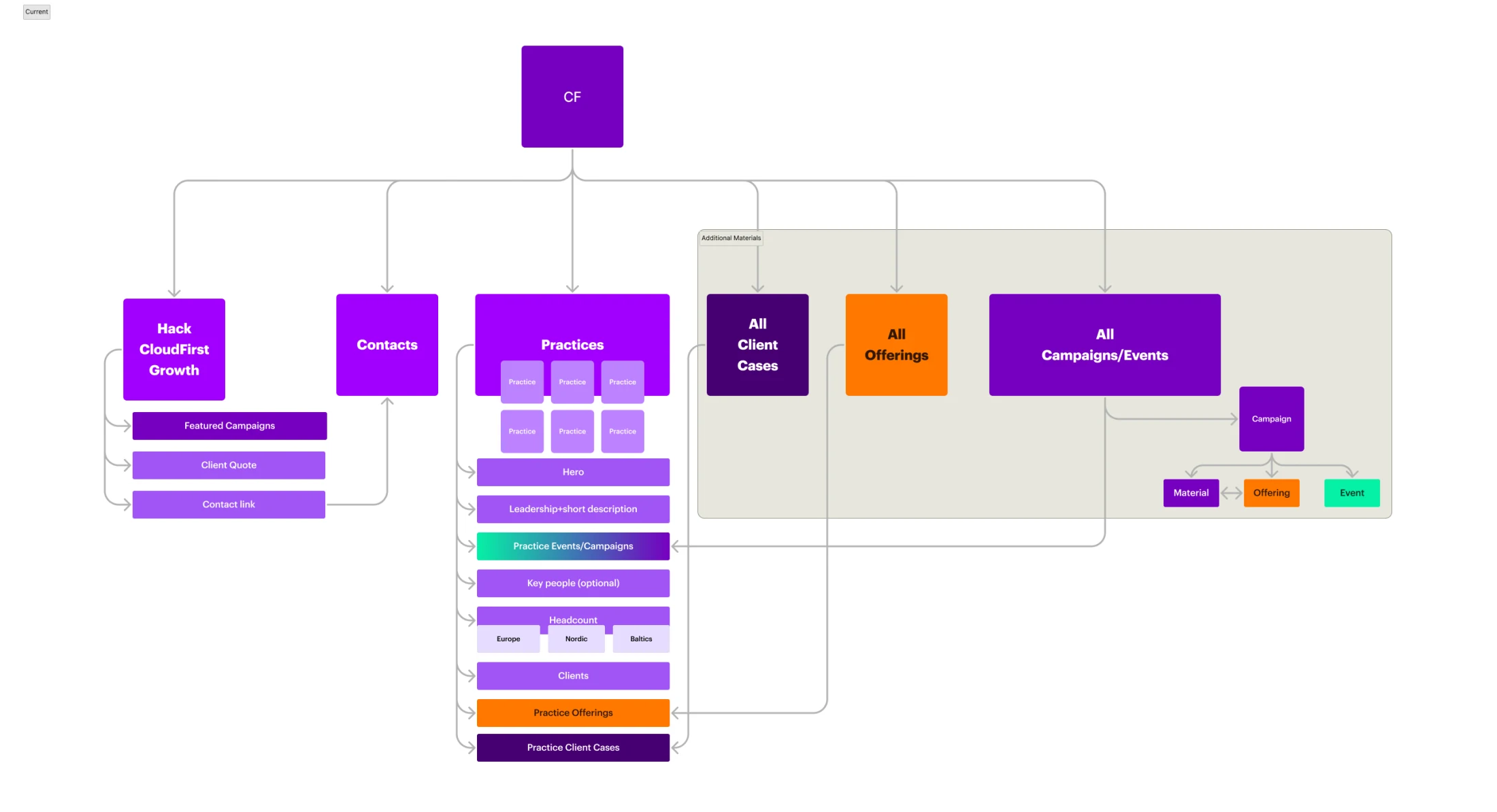
The content map shows the relationships behind the navigation. Campaigns connect to materials, offerings, and events rather than isolated pages.
Collaboration Process
I was the junior designer on this internal project, and I did most of the hands-on production work. Project managers and product owners decided the content, and the content decided the design. The content was disorganized, so part of my work was to give it a structure. Focused meetings with the project managers and the Design Lead aligned scope, priorities, and delivery dates.
Implementation Challenges
The implementation faced several technical hurdles that required creative solutions:
Outcomes
1 Month
MVP website launched rapidly
Content in place
Content from the product teams was published in the MVP
Staged
Core sections first, then more content and cross-linking
The Cloud First Nordics portal was built as one place for all Cloud First information in the organization. This page reports no usage data. It makes no claim about adoption, search time, or long-term upkeep.
Visual Showcase